What "Free" Actually Means Here
Free trials in AI tools often come with a catch: a card on file, a time limit, or a watermark that makes the output unusable for anything real. On Risha, the free tier works differently. New accounts start with 200 free credits and no credit card requirement, enough to generate several full videos, test different models, and compare Arabic dialects before deciding whether to continue. There is no trial clock forcing a decision in 24 hours.
Step 1: Start With a Simple Script
Write two or three sentences in the dialect you want the video to speak, Khaleeji, Egyptian, or Levantine. Keep the first line as a hook, something that would make someone stop scrolling. If writing in Arabic dialect does not come naturally, draft it in English first and use Risha's translation tools to adapt it into natural spoken Arabic rather than a literal translation.
Step 2: Generate the Voice First
Before touching visuals, generate the voiceover using Gemini TTS and select your dialect. Listening to the pacing and tone here tells you what kind of visuals the video actually needs, energetic and fast for an upbeat script, slower and more deliberate for a calmer one.
Step 3: Generate the Visuals
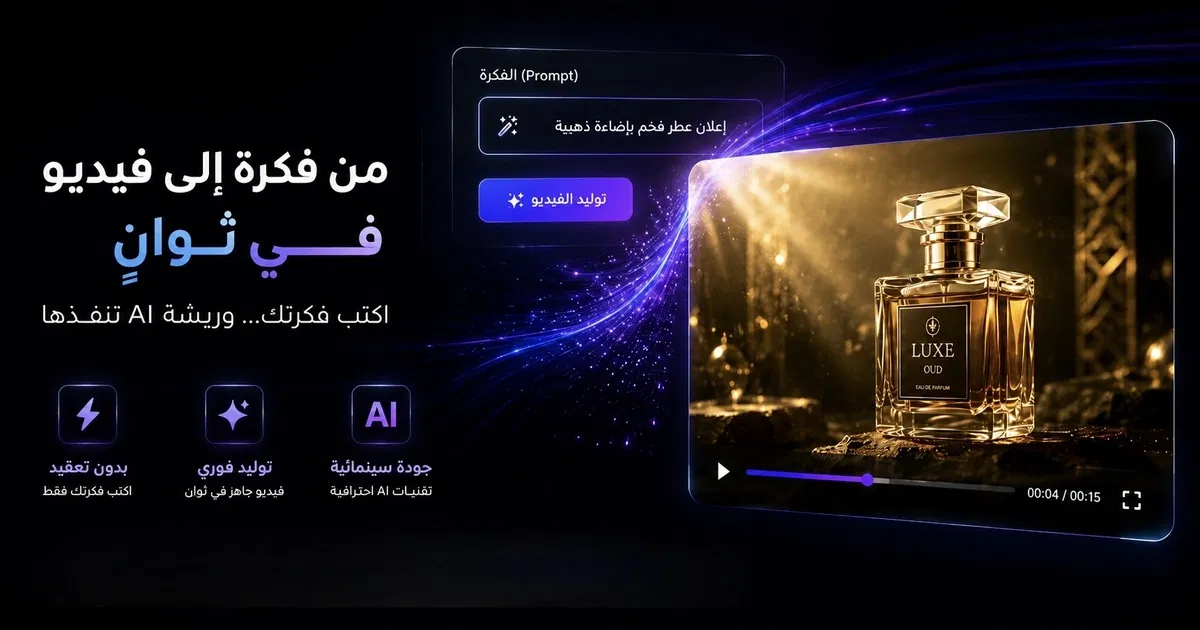
Choose a video model, Veo or Kling for cinematic scenes, Seedance for image-to-video if you are starting from a product photo or reference image, or an AI avatar through HeyGen if you want a consistent on-screen presenter without filming yourself. Describe the subject, setting, camera movement, lighting, and style in your prompt, the same structure covered in Risha's prompt guide, and generate a few variations.
Step 4: Add Captions and Music
Add Arabic captions, since most viewers watch the first few seconds with the sound off. Layer in background music at low volume so it supports the voiceover instead of competing with it.
Step 5: Export and Publish
Export in the aspect ratio your platform needs, vertical 9:16 for Reels, TikTok, and Stories, or 16:9 for YouTube and landing pages. All of this fits within the free credit allowance for a first video.
A Sample Prompt to Start With
"Vertical shot of a young Saudi entrepreneur speaking directly to camera in a modern office, warm natural light from a window, medium close-up, confident and friendly tone, social media aesthetic, optimized for 9:16."
Pair this with a short Khaleeji script and a Gemini TTS voiceover in the same dialect, and the result is a complete short-form video built entirely on the free tier.
Common Questions
Do I need a credit card to start? No. Risha's free tier does not require payment details to claim the initial 200 credits.
Will the video have a watermark? No, videos generated on the free tier are the same quality as paid output, the credits simply limit how many generations you can run.
How many videos can I make for free? It depends on the model and length, but 200 credits is typically enough to generate several short videos and compare a few prompt or dialect variations before deciding whether to upgrade.
The Bottom Line
Making an AI video in Arabic no longer requires a budget, a crew, or even a credit card to test the waters. Write a short script in your target dialect, generate the voice first, match the visuals to it, and export. The entire first attempt fits comfortably inside a free account.
Start your first free Arabic AI video on Risha, 200 free credits, no credit card required →