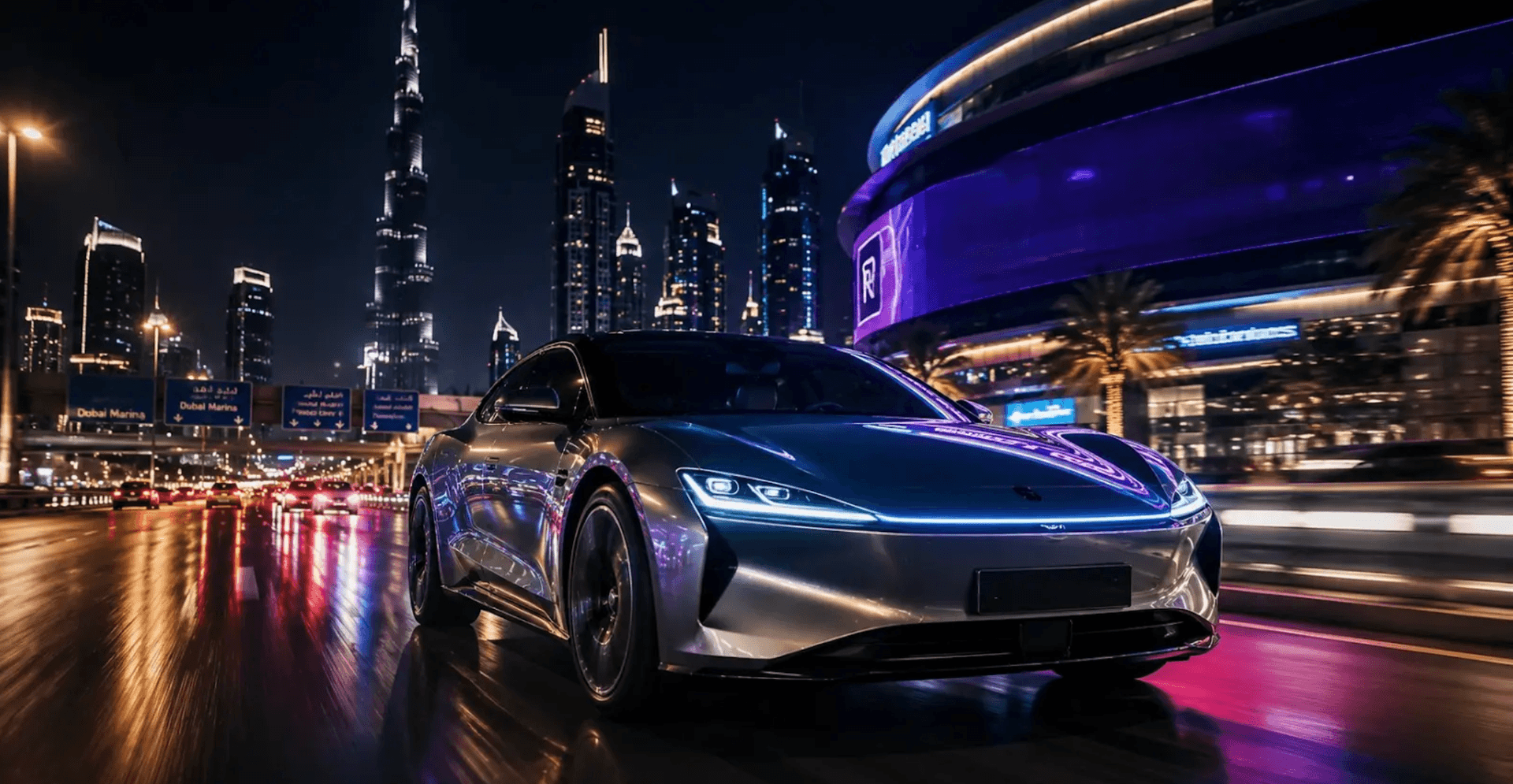
What Is WAN?
WAN is an AI video generation model built for exactly the kind of output creators and brands care about most: motion that holds together, consistent subjects from frame to frame, and image-to-video generation that stays faithful to the source photo instead of drifting halfway through the clip. It handles both text-to-video and image-to-video generation, which means you can start from a written prompt or from a real product photo, an avatar frame, or a scene reference and let WAN animate it.
On Risha, WAN slots into the same generation flow you already know. You write or refine your prompt (Risha's Prompt Assistant (Agent) works with WAN the same way it does with every other model), choose your format and aspect ratio, and generate.
Why Risha Partnered with WAN
Every AI video model has a personality. Some are stronger at cinematic camera movement, some are faster to generate, some handle faces and product consistency better than others. Partnering with WAN means Risha creators get another genuinely strong option in the mix, not a rebrand of something already available.
For Arabic creators and MENA brands specifically, having more than one high-quality model matters because different projects need different strengths. A product hero shot benefits from a model that holds the product steady and accurate. A lifestyle or social clip benefits from natural, fluid motion. Testing the same prompt across WAN, Kling, and Seedance and picking the strongest result is now part of a normal Risha workflow, and WAN is frequently the one that wins on image-to-video consistency.
How to Generate Videos with WAN on Risha
Start a new video project and select WAN from the model picker, the same place you would choose Kling or Seedance.
Write your prompt using the same principles that work across every model on Risha: describe the subject clearly, add a camera direction, set the lighting and style, and specify the aspect ratio for your platform.
If you are working from a reference image, a product photo, a portrait, a scene, upload it and let WAN's image-to-video mode animate it while keeping the subject consistent.
Generate a few variations. Because WAN, Kling, and Seedance are all available in the same workspace, it costs you nothing but a few extra minutes to compare outputs and keep whichever looks strongest.
A Sample Prompt for WAN
"Close-up shot of a hand pouring golden oud oil into a glass vial on a marble surface, slow and steady camera push-in, soft warm side lighting, gentle particles of light catching the oil as it pours, cinematic commercial style, shallow depth of field, 4K."
This is the same prompting discipline covered in Risha's video prompt guide: subject, action, setting, camera, lighting, and style, stacked in order. WAN responds to that structure the same way every other model on Risha does.
What This Means for Your Workflow
Nothing you already built on Risha needs to change. Your existing projects, prompts, and templates work exactly as before. WAN is simply a new option in the model picker, and for image-to-video work in particular, it is worth setting as your default and comparing against your usual choice for a week to see where it wins.
The Bottom Line
More models means more chances to get the exact shot you are trying to make, without switching platforms or paying for a separate subscription. WAN joins Veo, Kling, Seedance, and HeyGen as part of the same Risha workspace, built for Arabic creators and MENA brands from the ground up. Try the same prompt across a couple of models, keep the version that works, and let the tool do the guessing instead of you.
Try WAN on Risha, 200 free credits, no credit card required →