What "Supports Arabic" Actually Means
Almost every major AI voice platform, ElevenLabs included, lists Arabic in its supported languages. That claim is technically accurate and tells you almost nothing about what you will actually hear. Arabic is not one accent, it is a family of dialects with real differences in vocabulary, rhythm, and pronunciation. A tool can "support Arabic" and still default to a formal, textbook-adjacent Modern Standard Arabic that no one in Riyadh, Cairo, or Amman actually speaks in daily conversation.
That gap matters more for audio than almost any other format, because a voice with the wrong rhythm or the wrong vocabulary reads as foreign in about two seconds, even to listeners who could not explain exactly why.
What We Compared
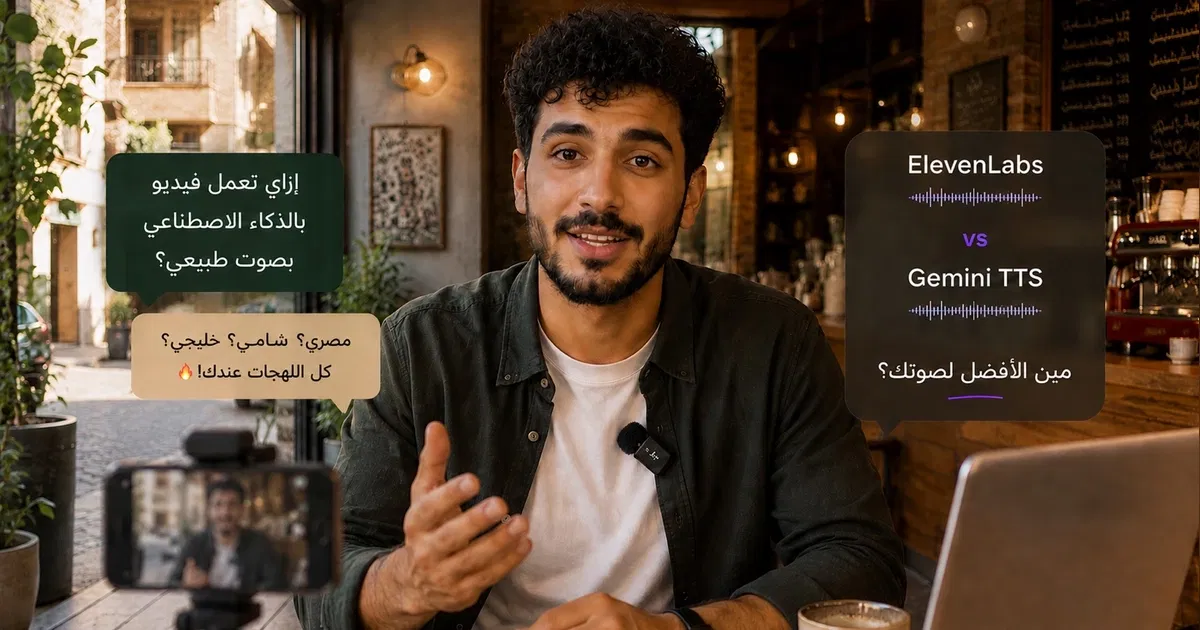
We generated the same short scripts, a product description, a casual social caption, and a brand intro line, once through a general-purpose voice tool with Arabic listed as a supported language, and once through Gemini TTS on Risha with a named dialect selected (Khaleeji, Egyptian, or Levantine depending on the script).
The pattern across every script was consistent. The general-purpose output was intelligible and grammatically correct, but leaned toward a neutral, formal register regardless of the script's tone, essentially reading dialect-flavored text back in a more Modern Standard accent. The dialect-first output matched the intended register far more closely, because the model was generating for a named dialect from the start rather than defaulting to a general Arabic mode.
Why This Happens
Voice models trained across dozens of languages typically have far more Arabic training data in Modern Standard or widely available formal-register audio than in specific spoken dialects. That is a reasonable trade-off for a platform trying to cover the whole world in one product, but it means dialect nuance is usually the first thing to get averaged out. A platform built specifically around Arabic dialects can weight its training and voice options toward Khaleeji, Egyptian, and Levantine speech patterns instead of treating Arabic as a single line item.
What to Check Before Choosing a Tool
Ask whether the platform offers named dialects, Khaleeji, Egyptian, Levantine, or only a single generic "Arabic" voice option.
Listen to a preview in the specific dialect your audience speaks, not just any Arabic sample, before committing to a tool.
Test a script with mixed Arabic and English brand terms or technical words, since this is where pronunciation tends to break down first.
Check whether the pacing sounds like natural speech or like a formal reading, since this often reveals the underlying training bias even when the words are correct.
How Gemini TTS on Risha Approaches This
On Risha, Khaleeji, Egyptian, and Levantine are selectable options before you generate, not a setting buried in advanced configuration. The model is generating for that specific dialect's rhythm and vocabulary from the start, which is the main reason the output tends to sound spoken rather than translated. It also means you can generate the same script in more than one dialect and compare, useful when you are testing which register best fits a specific campaign or market.
The Bottom Line
A tool can genuinely support Arabic and still miss the dialect your audience actually speaks. If your content needs to sound native to a specific market rather than generically Arabic, listen to a dialect-specific preview before you commit, and treat named dialect support as a real feature to check for, not an assumption to make.
Try Arabic dialect voice on Risha, 200 free credits, no credit card required →